
LinkedIn's AI slop button: what it does, and how to write posts nobody flags

Published: · Updated: · 8 min read
Quick answer
Key takeaways
- The button sits in the three-dot menu of posts and comments. A click hides the post for you and tells LinkedIn's models what slop looks like. It is not a policy report.
- One click doesn't cut a post's reach. LinkedIn combines the feedback with other signals, and with classifiers that spotted generic content correctly 94% of the time in early tests.
- Over a million members used it in two weeks, and content LinkedIn classifies as slop gets 40% fewer views, by LinkedIn's own count.
- LinkedIn's definition: polished text without experience, perspective or insight. Using AI to refine your own language is fine.
- If a post gets enough flags, its author sees a message in Post Analytics.
- The fix is raw material only you have: everything you've written, and a recorded conversation. Then you edit, and you tell the AI not to add catchphrases.
What is LinkedIn's "Seems like AI slop" button?
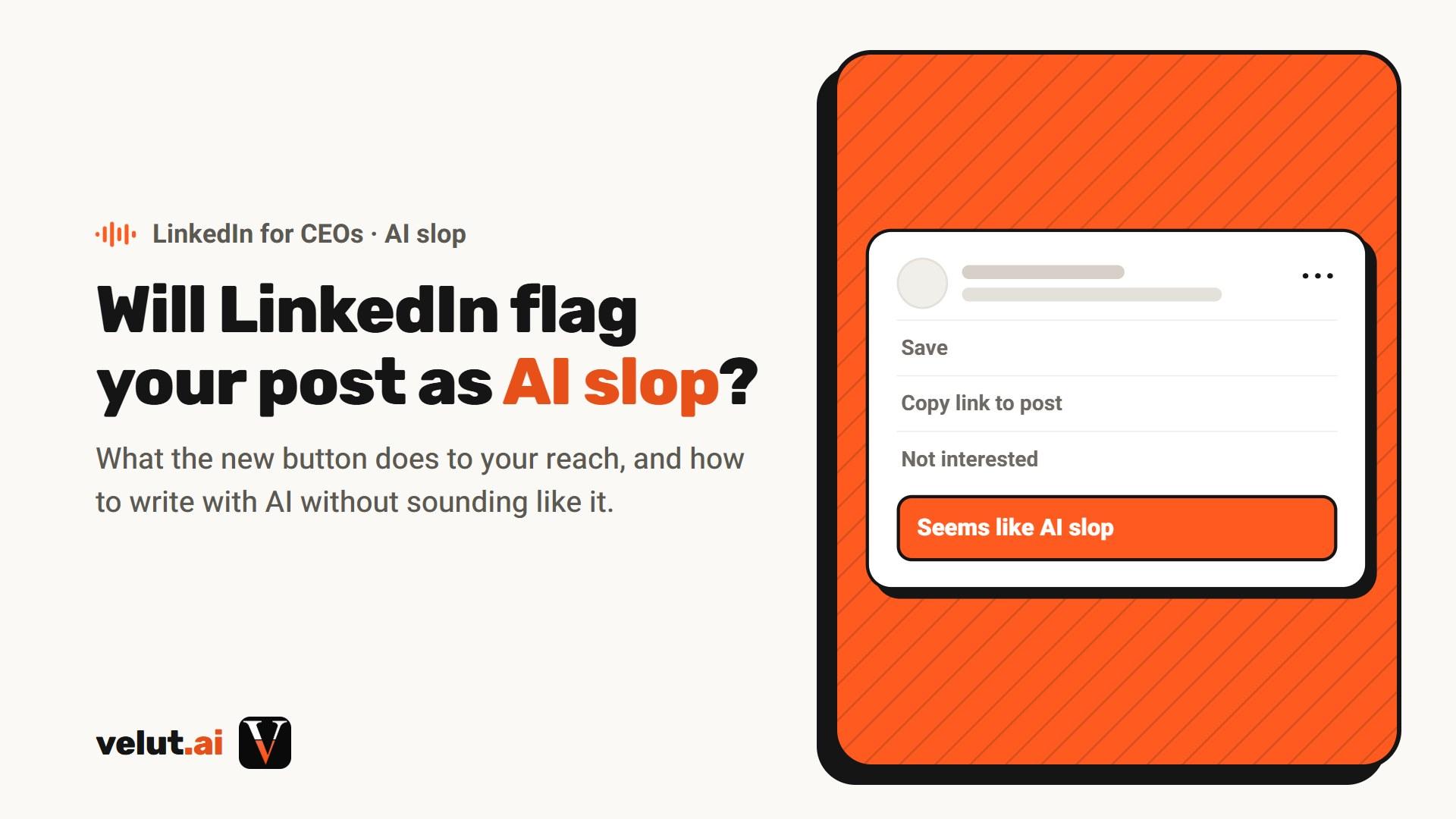
It's a feedback option in the three-dot menu of every LinkedIn post and comment, next to options like "Not interested". LinkedIn's chief product officer, Hari Srinivasan, announced it on July 30, 2026, in a post on LinkedIn that opened with "AI slop is a top priority for all of us." It rolled out over the following weeks, and on August 19 he wrote that more than a million people had clicked it in its first two weeks.
My first reaction was relief. Finally someone is filtering what is AI slop on LinkedIn and what isn't, because most of the posts in the feed are exactly that.
The button is one part of a wider push. In the same announcement, LinkedIn said it is:
- Rolling out new classifiers that identify AI slop and low-quality posts, to show less of them in suggested content and in posts from outside your network.
- Catching hundreds of thousands of automated comment attempts every day, and blocking billions of other automation attempts in a couple of months.
- Removing its own "enhance your post" AI writing feature and replacing it with a proofreading tool that, in Srinivasan's words, "does not change your voice".
- Expanding profile and page verification, so members know who wrote what they're reading.
Read the third point again. The platform that put an AI rewrite button inside the post composer took it out. Srinivasan's explanation: people post with AI because "LinkedIn isn't a one-word kind of place" and running a post through AI makes them feel more confident.
What happens when someone clicks "Seems like AI slop"?
The post is hidden for the person who clicked, and the click becomes a signal LinkedIn uses to tune its models. If enough people flag the same post, its author gets a private message. The post isn't removed, and nobody is reported for breaking a rule.
| Question | What LinkedIn says | Source |
|---|---|---|
| Does it delete the post? | No. LinkedIn's Creator Product Lead, Sam Corrao Clannon, said it is not "a reporting path for policy violations". It changes the feed of the person who clicked. | Social Media Today, Aug 20, 2026 |
| Does one click lower the post's reach? | No. "No single piece of feedback determines how content is distributed." LinkedIn looks at many signals together, with safeguards against people using it to target others. | Srinivasan, Aug 19, 2026 |
| What is the click used for? | Training. "Slop is hard to define and the definition changes; this lets us tune our models and make better feeds." | Srinivasan, Jul 30, 2026 |
| Will the author find out? | If a post receives enough community feedback, the author may see a message in Post Analytics. | Srinivasan, Aug 19, 2026 |
| Does it work on comments too? | Yes. It's in the three-dot menu of any post and any comment. | Srinivasan, Aug 19, 2026 |
Does the AI slop button hurt your reach on LinkedIn?
Not one click, but the system behind it does. Content that LinkedIn classifies as slop is shown to fewer people, mainly outside your network. On August 19, 2026, Srinivasan wrote that members "are now experiencing 40% less views on what we classify as AI slop" than a few weeks earlier. He also wrote that he hesitated to give numbers, because every feed is different. It's LinkedIn's own figure, and I haven't found an outside check of it.
This started before the button. In May 2026 LinkedIn wrote that content that appears to be AI-generated and lacks a clear perspective "is less likely to be widely distributed beyond a person's immediate network", and that in its first tests it identified generic content correctly 94% of the time. The button adds members' judgment to that system.
For a CEO, the part outside your network is the expensive one. The buyers you haven't met yet are the ones you post for. A post that only reaches people who already know you won't start new conversations. How the feed decides everything else is in how the LinkedIn algorithm works.
What does LinkedIn count as AI slop?
Text that looks finished and says nothing. LinkedIn's Creator Product Lead defined it as content that is "potentially sophisticated or polished in its presentation, but lacks substance", without any "particular experience, perspective, or insight" behind it.
Notice what's missing from that definition: "written with AI". LinkedIn's own policy post says: "It's ok to use AI to help you write, but your posts and comments need to represent your voice and your perspectives." Srinivasan put it more simply: "AI and slop are not the same thing."
So the test isn't the tool. It's whether you could swap your name for any other CEO's and publish the post unchanged.
And there's a lot of it. Originality.ai checked 5,000 public LinkedIn posts of 100 words or more from July 2026: 81.2% were classified as likely AI, up from about half in late 2024. Detectors make mistakes, so read the exact number with care. The direction is clear.
What makes a LinkedIn post look like AI slop?
Repetition. AI reaches for the same moves in every post, and readers have learned them. It used to be easy to spot. These are the signs I look for:
- The long em dash. The classic giveaway.
- Catchphrases on repeat. Lines meant to sound like a hook, which AI uses again and again: "Here's the thing nobody tells you about..."
- AI phrasing. Sentences no one would say out loud in a meeting.
- Too much amazement. "This honestly blew my mind." Excited about everything, so about nothing.
- An opening that fits any topic, followed by three neat points, none of which happened to the writer.
Readers notice. In a Bynder survey of 2,000 people in the US and UK, 50% correctly picked out AI-written copy, and 52% said they become less engaged when they suspect content was written by AI. On LinkedIn, they now have a button for it.
Don't start by deleting dashes, though. A tell is a symptom. A post with a real story, a real number and an opinion survives one; a post without them won't be saved by removing it.
How do you write LinkedIn posts with ChatGPT without sounding like AI slop?
Give it your words instead of asking for its words. This is what I tell a CEO who writes with ChatGPT, in order:
- Give it everything you've ever written. Emails, articles, posts, video transcripts: things you really wrote. Let it learn the company too: what you sell, to whom, and why.
- Record yourself. Sit down and say everything you want to say, in a recording that gets transcribed, and give the transcript to the chat. It's the closest you'll get to real speech: your words, and the way you put things.
- Keep talking past the slow start. In the first minutes, nothing moves. You have to ramble and pour out what you know, and then the picture comes together. We saw it again with a client in November.
- Edit and cut. What comes back is material, not a post. Sit down, make your edits, and cut until it sounds like you.
- Tell it what not to add. Put it in the prompt: no catchphrases, no "Here's the thing nobody tells you", nothing you didn't say.
An instruction you can paste under your transcript:
Write a LinkedIn post from this transcript. Use only what I said, in my words. Don't add catchphrases, hooks or lines like "Here's the thing nobody tells you." Don't add facts, numbers or stories that aren't in the transcript. If something is unclear, ask me instead of guessing.
This takes time, and the time is what makes the post yours. If you write yourself every week, you also need a system, or you'll be stuck by week three. Mine is the content waterfall: one idea, many posts.
When does AI help with LinkedIn posts, and when does it ruin them?
AI helps with the work around the writing: transcribing, sorting and splitting. It ruins a post when it adds things that shouldn't be there: a catchphrase, a fact, a feeling you never had.
In my own work it looks like this. A 30-minute conversation can turn into 5-6 posts. AI transcribes it, splits the material by the posts we talked about, and places the quotes and lines in each part, so I can go through everything easily. Then I write each post myself.
For people who want to write themselves, I built Velut AI: a model that learns your tone, your company and your customers' pains, and drafts with you in your voice. It's a separate product, for CEOs who have the time to sit and write. When I work with CEOs, I write for each of them myself.
Why do I still write CEOs' LinkedIn posts by hand?
Because the material has to come from the CEO, and no model can sit in that conversation for them.
We sit down for a conversation that gets transcribed (no video), about what the CEO wants to talk about, publish and write about. The posts come out of that conversation. My job is to interview, and to steer each idea toward what fits the company's strategy and brand. After the first weeks, it takes the CEO 30 to 60 minutes a week on content, and every post goes out with their approval.
That's the whole service of LinkedIn ghostwriting for CEOs: written by hand, in your voice, from what you actually said.
Is LinkedIn against AI?
No. LinkedIn is against posts with nobody behind them. It says using AI to help you write is fine, it removed its own rewrite feature, and it gave readers a button to flag empty text. That's the line I draw too: AI can help with the work, but the post has to be yours.
If you're a founder worried your posts look like AI, here's my one sentence: record yourself and write the post yourself, make your own edits, and tell the chat not to add catchphrases like "Here's the thing nobody tells you."
Whether you should write at all, use an AI tool or hand it to a ghostwriter is a separate decision. The side-by-side comparison of time, voice, cost and risk is in ghostwriter vs AI vs writing it yourself.
Frequently asked questions
Is the LinkedIn AI slop button real?
Yes. LinkedIn added a "Seems like AI slop" option to the three-dot menu of posts and comments. Its chief product officer, Hari Srinivasan, announced it on July 30, 2026, and more than a million members used it in its first two weeks.
What does "Seems like AI slop" mean on LinkedIn?
It's how members tell LinkedIn that a post or comment reads like empty AI text. LinkedIn defines AI slop as content that looks polished but lacks substance: no real experience, perspective or insight. Clicking it hides the post from your feed and helps train LinkedIn's models.
Does reporting AI slop on LinkedIn reduce a post's reach?
Not from one click. LinkedIn says no single piece of feedback decides distribution: it combines many signals, with safeguards against misuse. But content LinkedIn classifies as AI slop is shown less outside the author's network, and in August 2026 Srinivasan said it was getting 40% fewer views than a few weeks earlier.
Will LinkedIn tell me if my post was flagged as AI slop?
If a post gets enough community feedback, you may see a message about it in Post Analytics. LinkedIn says the goal is to give helpful feedback on how your content is being received.
Can I use ChatGPT to write LinkedIn posts?
Yes. LinkedIn says it's fine to use AI to help you write, as long as the post represents your voice and your perspective. Give the model your own material, like past writing and a recorded, transcribed conversation, edit the draft yourself, and tell it not to add catchphrases.
Does LinkedIn have an AI slop detector?
Yes, in a way. LinkedIn uses classifiers trained to recognize generic AI content, and in its first tests (May 2026) they identified it correctly 94% of the time. Members' "Seems like AI slop" clicks are used to tune those models.
Can you flag AI slop comments on LinkedIn?
Yes. The option is in the three-dot menu of any post and any comment. LinkedIn also says it catches hundreds of thousands of automated comment attempts every day.